
Just ask. It remembers.Everything you save,
Everything you save,
becomes one memory.
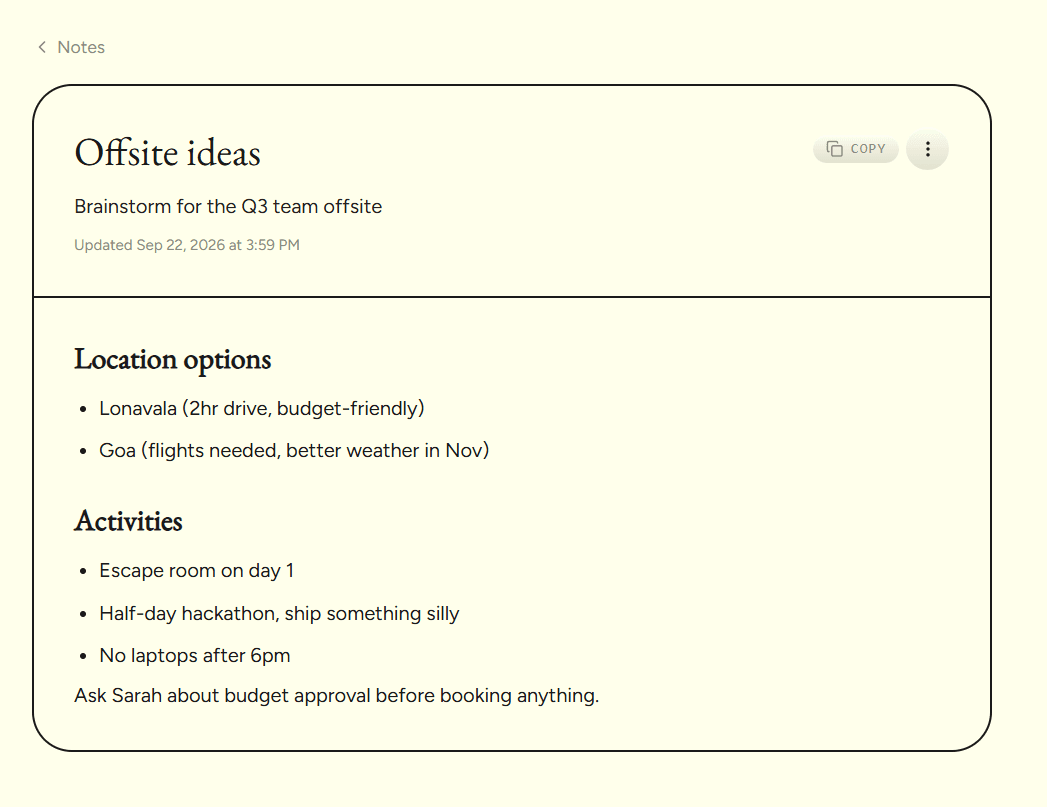
https://www.recallnote.online/dashboard/chat
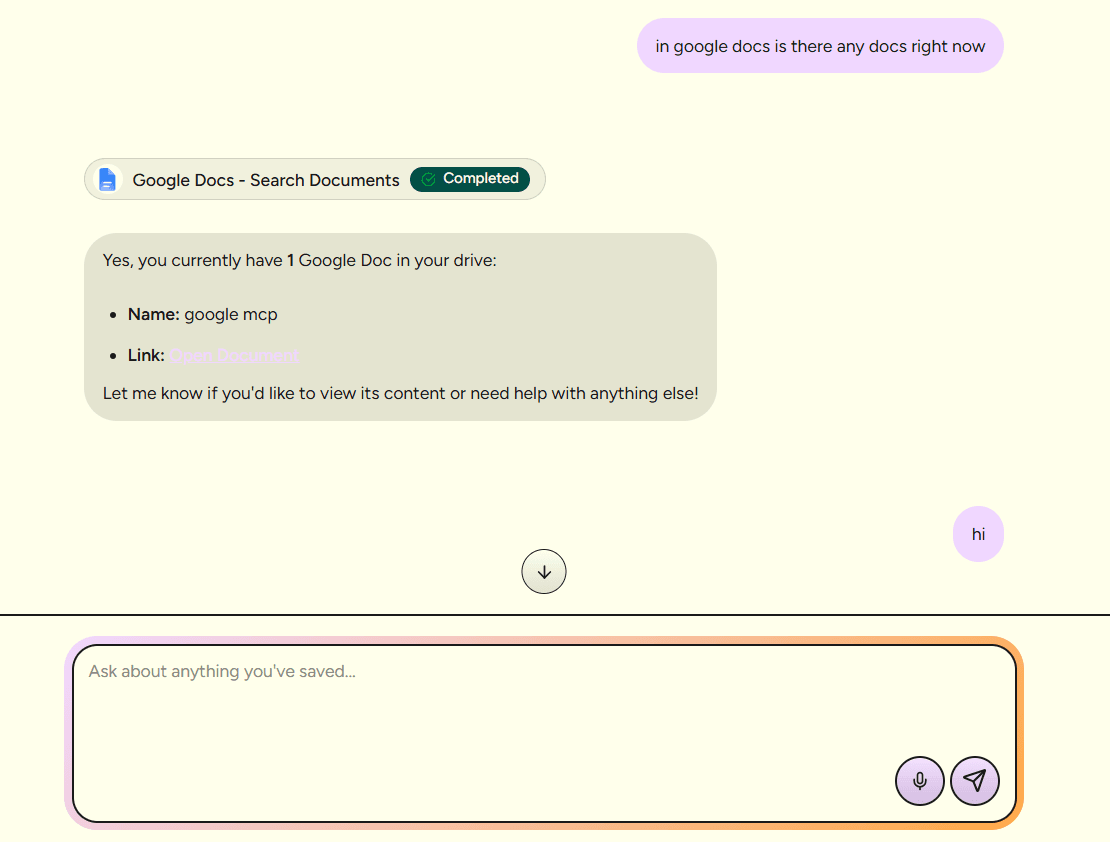
https://www.recallnote.online/dashboard/files
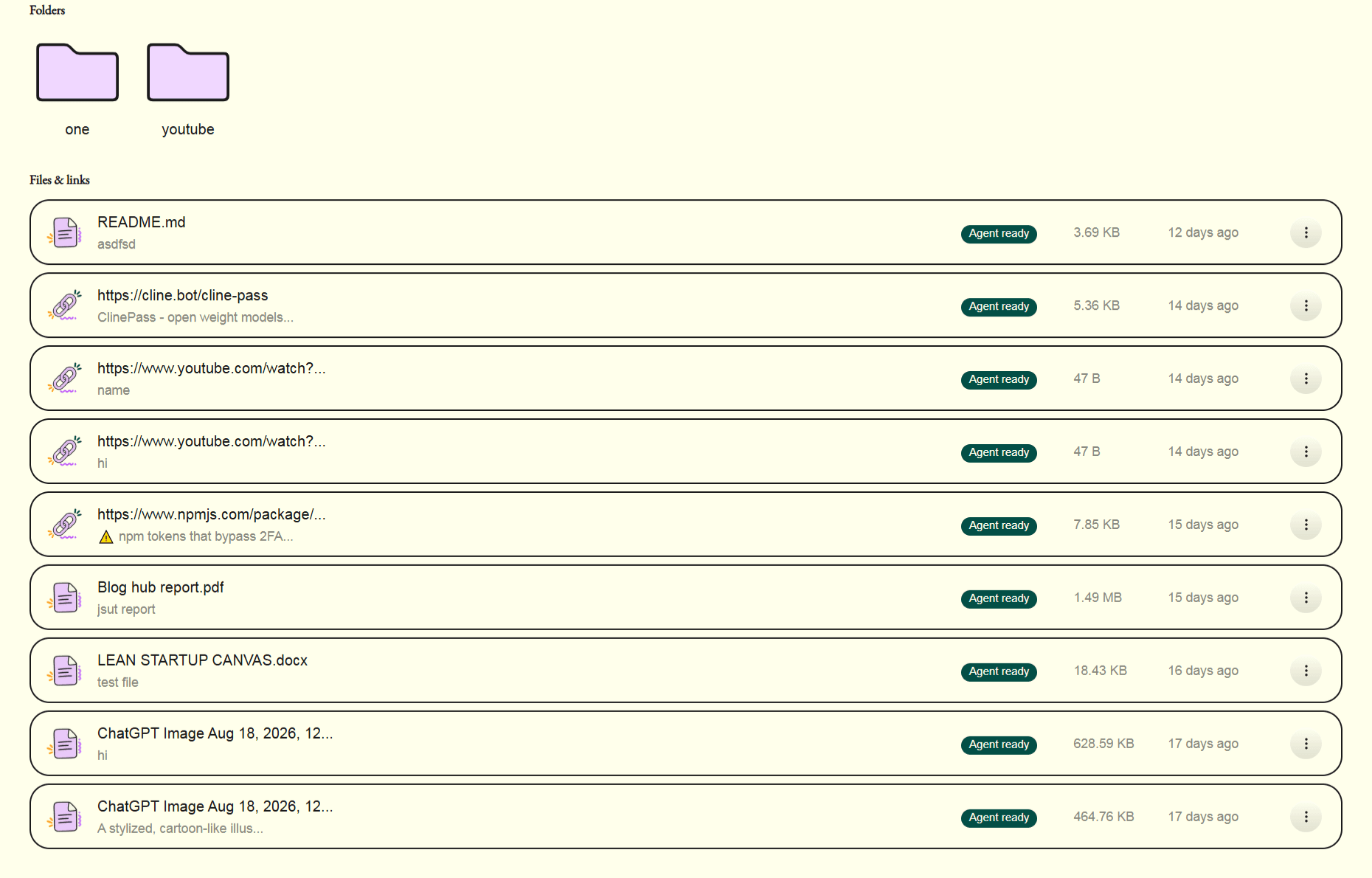
https://www.recallnote.online/dashboard/memory
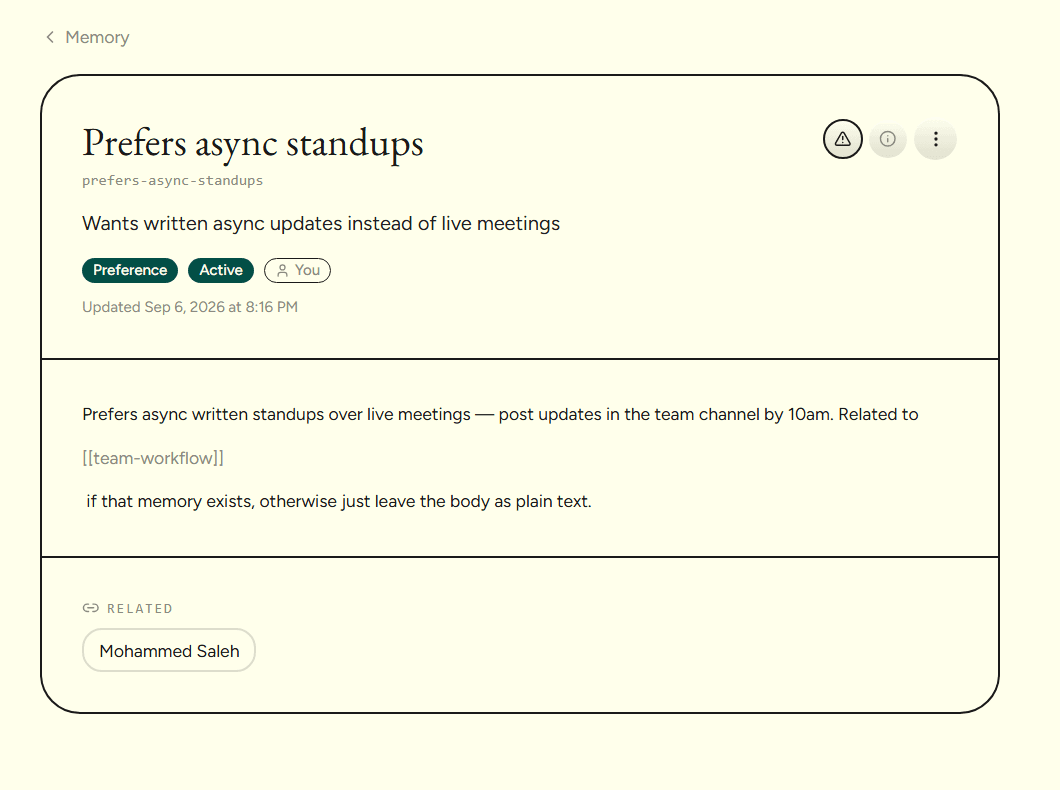
https://www.recallnote.online/dashboard/notes
https://www.recallnote.online/dashboard/skills
Connectors
Pull in what's already yours.
Connect the tools you already keep things in. Imported files and links run through the same capture pipeline as anything you upload by hand - read, summarized, and ready for chat.
Connect your accounts Google Drive
 Notion
 Dropbox
 OneDrive
 Google Docs
 Google Sheets
 Google Slides
 Excel
Excel Google Tasks
 Google Classroom
 Google Photos
 YouTube
 Gmail
Gmail
RecallNote
Start saving things worth remembering.
Free to start. Bring your files, your links, and the tools you already use - RecallNote turns them into one memory you can just ask.